
Part 0: See what an agent can build
Table of contents
Is learning programming useful to you?
Before deciding whether to learn programming, first try creating a small program without writing its code yourself. This Part 0 task lets you experience what a coding agent can already build and modify from ordinary-language instructions.
You may find that directing an agent and using the resulting application is enough for what you want to accomplish. In that case, a programming course may not be the best use of your time. The added value of this course is narrower: it teaches you to inspect the program itself when you want evidence beyond the agent's account, and to understand how small building blocks compose into the larger data flows an agent creates.
On the other hand, setting up the agent environment and using it to build a small application is not trivial itself either. Thus, if you run into too many problems in this section, you can also just decide to trust your guts and continue to the manual exercises in Part 1, which are much more layered and structured to introduce their concepts gradually.
Set up the coding agent
For this Part 0, you need Visual Studio Code, a working Python installation and access to GitHub Copilot.
Install Visual Studio Code
There are dozens of different editors that are suited to programming. On this course we will use the Visual Studio Code editor, which has been gaining traction in recent years. To install it, follow the instructions on the Visual Studio Code download page, or this installation guide.
Install Python
Use the Python installation instructions in the same MOOC installation guide. Complete the guide's check that Python runs on your computer. You do not need to install or configure the TMC extension yet; that can wait until Part 4 of this course.
Activate GitHub Copilot
Sign in to GitHub and make sure your account has access to GitHub Copilot. University students can apply through the GitHub Student Developer Pack; approval may take a few days.
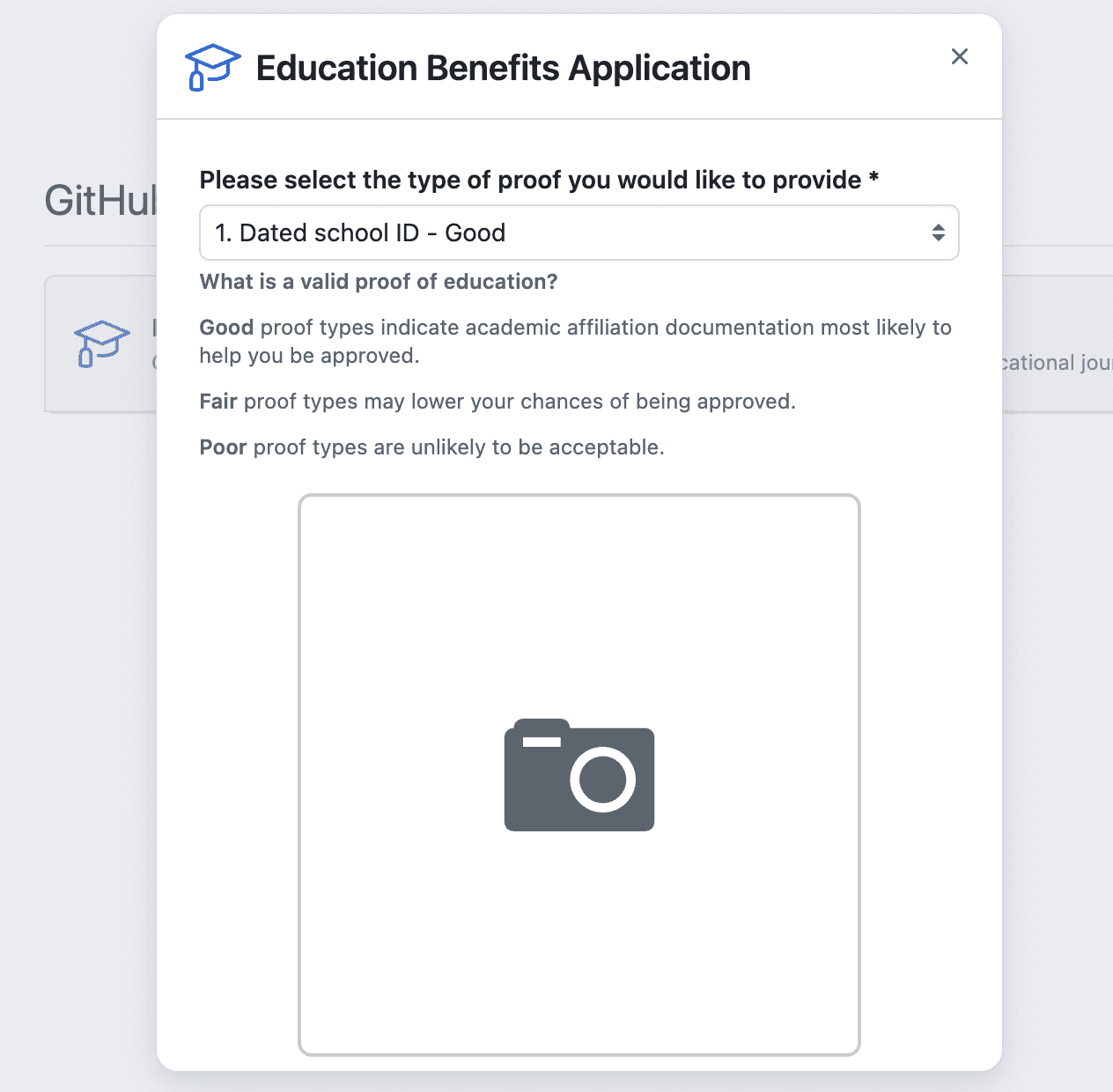
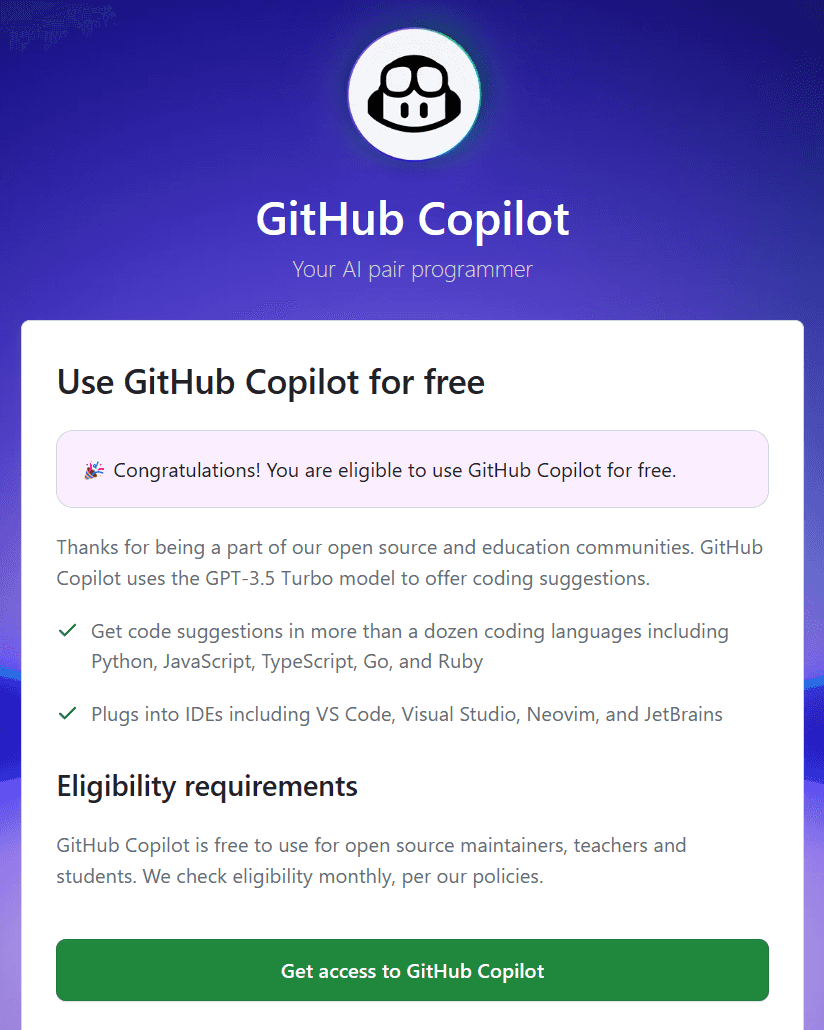
After approval, activate Copilot for the same account from the GitHub Copilot signup page:
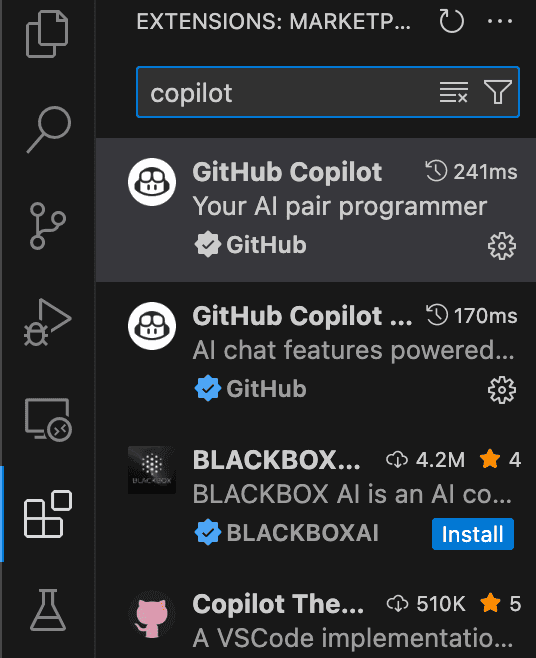
Install the Copilot extension
In VS Code, install the GitHub Copilot extension if it is not already installed, and sign in with the same GitHub account.
AI tools in VS Code
GitHub Copilot is a coding assistant integrated into VS Code. It can suggest code as you type, answer questions about files and, in Agent mode, edit files and run commands in the open project. See the official GitHub Copilot overview for VS Code for a fuller introduction.
The Agent view
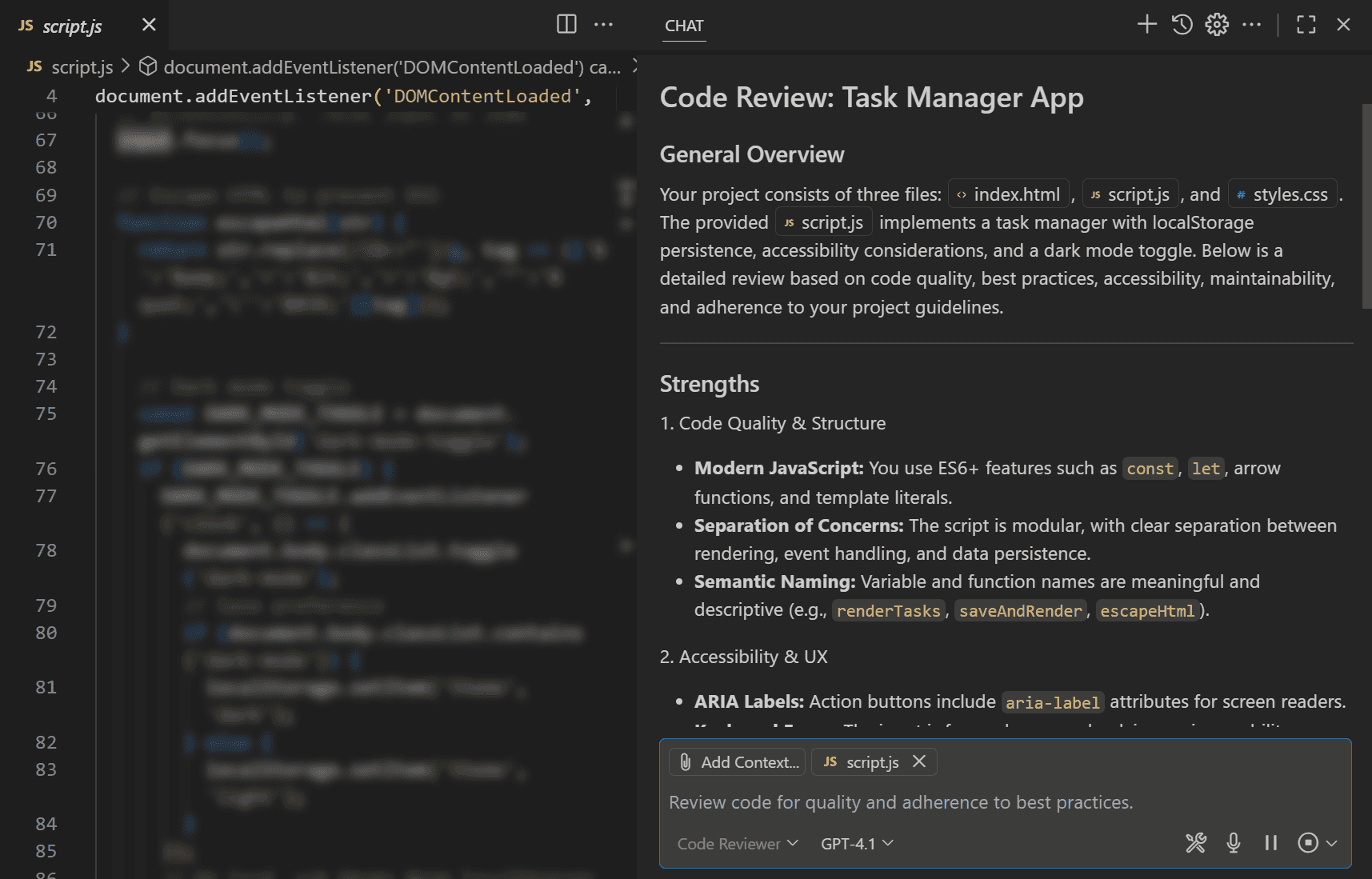
Open the Chat or Agents view from the chat icon in the VS Code title bar. Select Agent mode. An agent can inspect the files in the folder you have open, create and modify files, and use the terminal to set up or run the project. It may pause to ask for permission before running a command or installing something.
You direct the work through messages in this view. You can ask for an implementation, continue the conversation with a changed requirement, or ask the agent to explain what it did. Keep the relevant project folder open so the agent has the right context.
Code completions
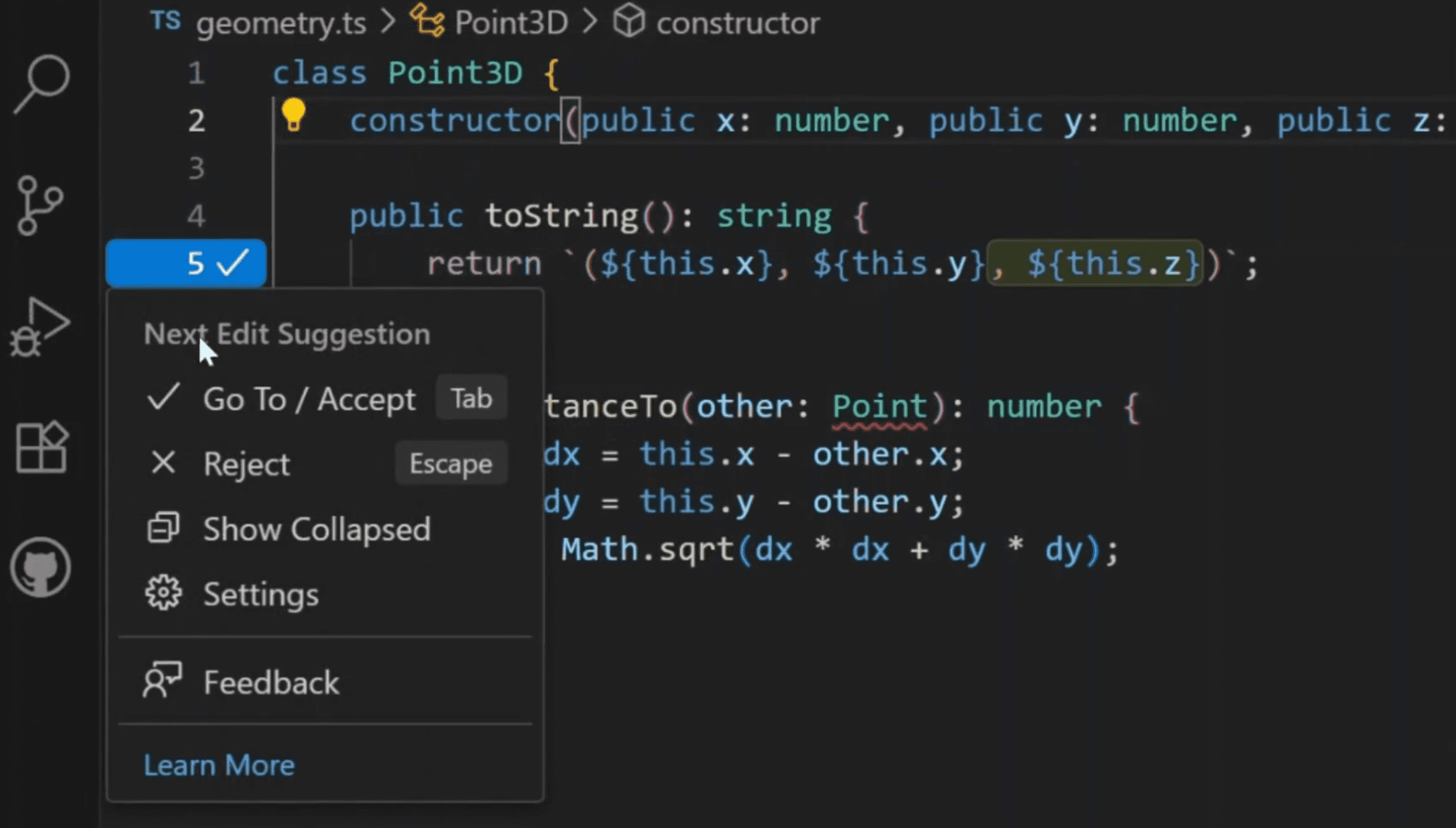
Copilot may also suggest code as grey “ghost text” while you type. Press Tab to accept a suggestion or Esc to reject it. Accepted suggestions become ordinary code in your file; they still need to be read and understood.
Turning Copilot on and off
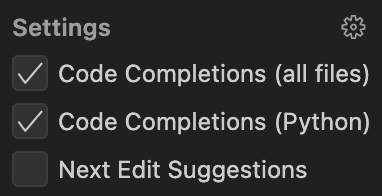
Use the Copilot menu in the VS Code status bar to enable or disable its features. You will use Copilot in Part 0, turn its code-generation features off during the manual exercises in Parts 1–4, and turn them back on when agent-assisted work begins in Part 5. See Getting started with GitHub Copilot if the extension, sign-in or controls do not appear as expected.
Build the first artifact
Imagine a small local heritage archive containing photographs, drawings, maps, sound recordings and everyday objects such as notebooks and tickets. The data for this experiment is a fictional catalogue of 100 such items. Each record describes one item: its title, the collection it belongs to, a subject category, a year and, where known, its creator and place. Tags describe themes such as family, transport or local history. Some details are missing, as they often are in real catalogues.
The application you build will let you explore this catalogue. Choosing the Photographs collection, for example, should show only its items in the table and count how many there are. The chart will show how those photographs are divided among subjects such as portraits, nature and urban life. A collection describes the kind of material, while a category describes its subject: both a photograph and a drawing can depict a landscape. The app displays catalogue descriptions, not the photographs or recordings themselves, and any patterns you see belong to this invented dataset.
Create an empty folder for this experiment and open that folder in VS Code. Open the Agent view as described above and paste the following request:
First, help me understand what the data contains: inspect the CSV linked below and explain in plain language what its records describe, what information is available and what is missing. Then, build a small local Streamlit application in this folder. Use the Python installation already available on this computer: do not install or replace Python system-wide. Create an isolated environment inside this project and record its dependencies. Download the frozen CSV data from
https://rage.github.io/programming-digital-humanities/opening-artifact/records.csv, save a local copy in the project and record the source URL. Show a collection selector with analloption, the number of displayed records, a table of the displayed records and a bar chart of displayed records by category. Keep calculations separate from interface layout, add small checks for the returned metric, table rows and chart data, and give me the exact commands for running the checks and application. Check whether the required local tools are available, tell me about any manual step I must do, and then implement and run the application.
Follow the agent's setup instructions and use the application. Then request this mechanical change:
Add an optional minimum-year control. It must affect the displayed count, table and chart. Blank year values mean the year is unknown: include those records when no minimum is set, and exclude them when a minimum is set. If no records match, show zero, an empty table and an empty chart without crashing. Update and run the relevant checks, then summarize the changed files.
Try an ordinary selection and one which produces no records. At this point, use the running application and the agent's account to judge the result. You are not expected to understand the generated code yet.
A convincing account is not the changed program
Suppose an agent reports:
Added the minimum-year filter throughout the dashboard. The metric, table and chart now update together, and all tests pass.
The application opens and the count and table look correct. The actual change however contains these code changes:
 active_records = filter_collection(records, selected_collection)
+visible_records = filter_minimum_year(active_records, minimum_year)

-metrics = make_metrics(active_records)
-table_rows = make_table(active_records)
+metrics = make_metrics(visible_records)
+table_rows = make_table(visible_records)
 chart_series = make_chart(active_records)
Importantly, the agent has forgotten to update the chart to use visible_records, which results in the chart showing different data than the count and table. What this example shows is that an agent's explanation and verification work can be useful, but they remain the agent's claim about the implementation. The difference in code versions is the primary evidence of what really changed and how things work.
Three kinds of evidence
- Conversational claim: what the agent says it changed or verified.
- Implementation evidence: the changed code and the surrounding callers which determine how it is used.
- Behavioural evidence: actual returned values, checks and observed application behaviour.
Agents can help inspect all three. Learning programming gives you another basis for judging whether the explanation matches the artifact it describes.
If not having to trust the agent through being able to examine these kinds of evidence seems useful, then this course is for you. If you are satisfied with the agent's account and the running application, then you may not need to learn programming.
What the rest of the course adds
Parts 1–4 are completed manually because they teach the minimum building blocks needed to read implementation evidence: values and variables, conditions and loops, functions, and the basic structures used to organise data. Writing small programs yourself helps these concepts become connected knowledge which you can recognize even when a new program uses unfamiliar names or serves a different purpose.
Parts 5–8 then develop two abilities together. They show how those building blocks compose into larger units, while gradually introducing collaboration with a coding agent:
- Part 5 — transformations in memory: lists and dictionaries become tables, named records and lookup structures. Several small functions begin to cooperate, so you can trace how a record changes between an input and a result.
- Part 6 — pipelines around files: data crosses program boundaries. You separate ingest, validate, transform, summarize and present stages so that parsed values, intermediate results and written output can each be inspected.
- Part 7 — libraries within the pipeline: dataframe and analytical libraries take responsibility for substantial operations. You follow the objects passed between project code and library calls, and then onward to tables, metrics and charts.
- Part 8 — a complete local application: you return to the artifact created here, ask an agent for a bounded modification, and use the code structure and its behaviour to decide whether the change does what was requested.
Decide whether to continue
You have now seen both sides of agent-first programming:
- a useful application can be created and changed without first learning to code;
- a plausible explanation and a partly working interface do not necessarily reveal everything the changed program does.
Continue to Part 1 if you want to learn how to inspect that implementation evidence yourself, describe code-level changes more precisely, or follow how values move through a larger program. The course is not premised on replacing the agent by writing everything manually forever. The manual foundation makes later collaboration less dependent on taking the agent's account on trust.
Before continuing to Part 1
Keep the folder the agent created: you will return to this application later in the course.
Parts 1–4 are manual programming practice. Before beginning Part 1, use the Copilot menu described above to turn off code completions, and do not ask the coding agent to generate exercise solutions. You will turn these features back on when the agent-assisted exercise modes begin in Part 5. The course AI tutor remains available for conceptual help.